Dashboard
Everything from the field in one place
See every task, report, photo and file from your crew in your browser, the moment it comes in. And manage who is on your team in the same place.

Tasks: see where every job stands
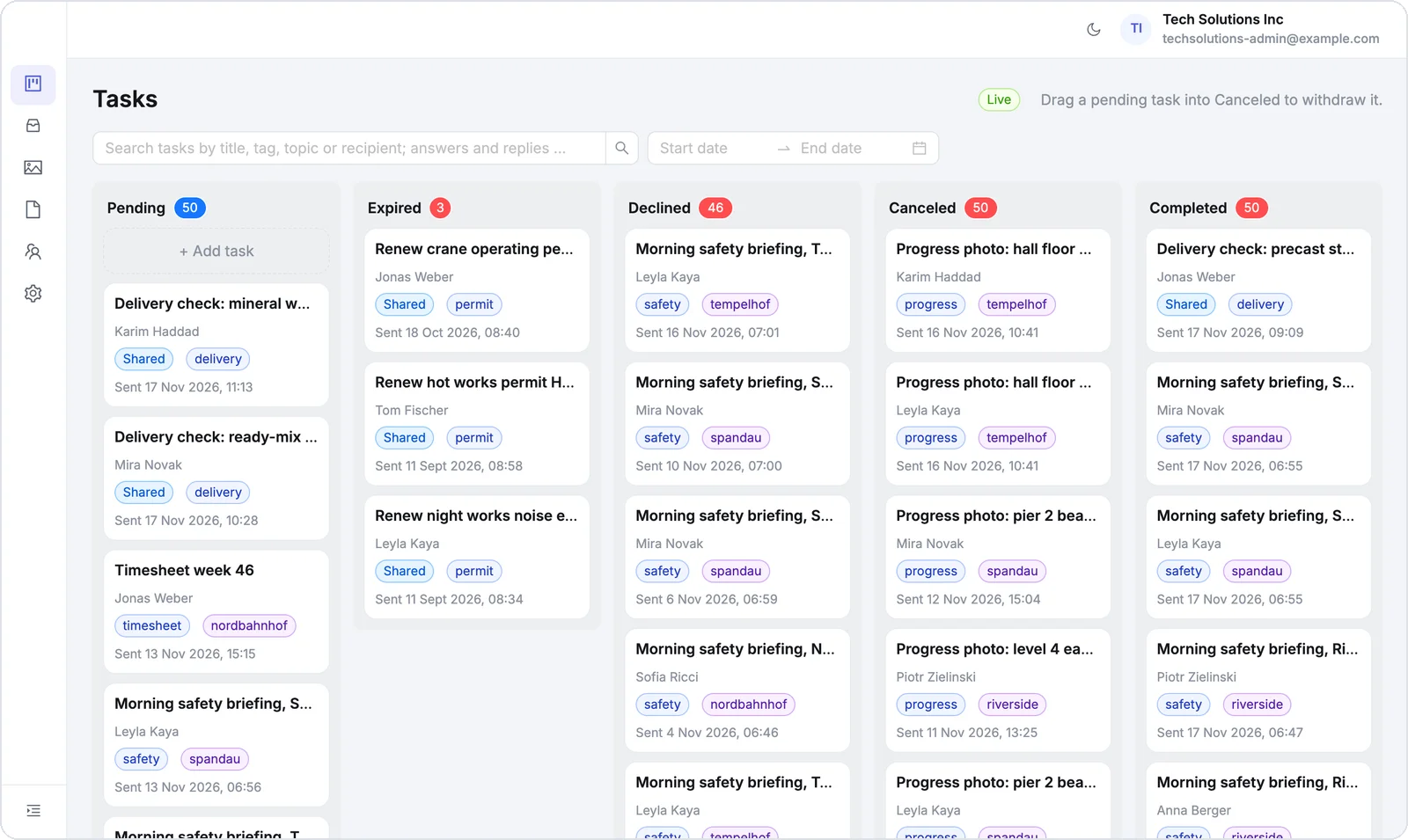
One board shows every task you sent, sorted into pending, expired, declined, canceled and completed. Open any task to read the answers, or drag one into Canceled to call it off.
About Task Management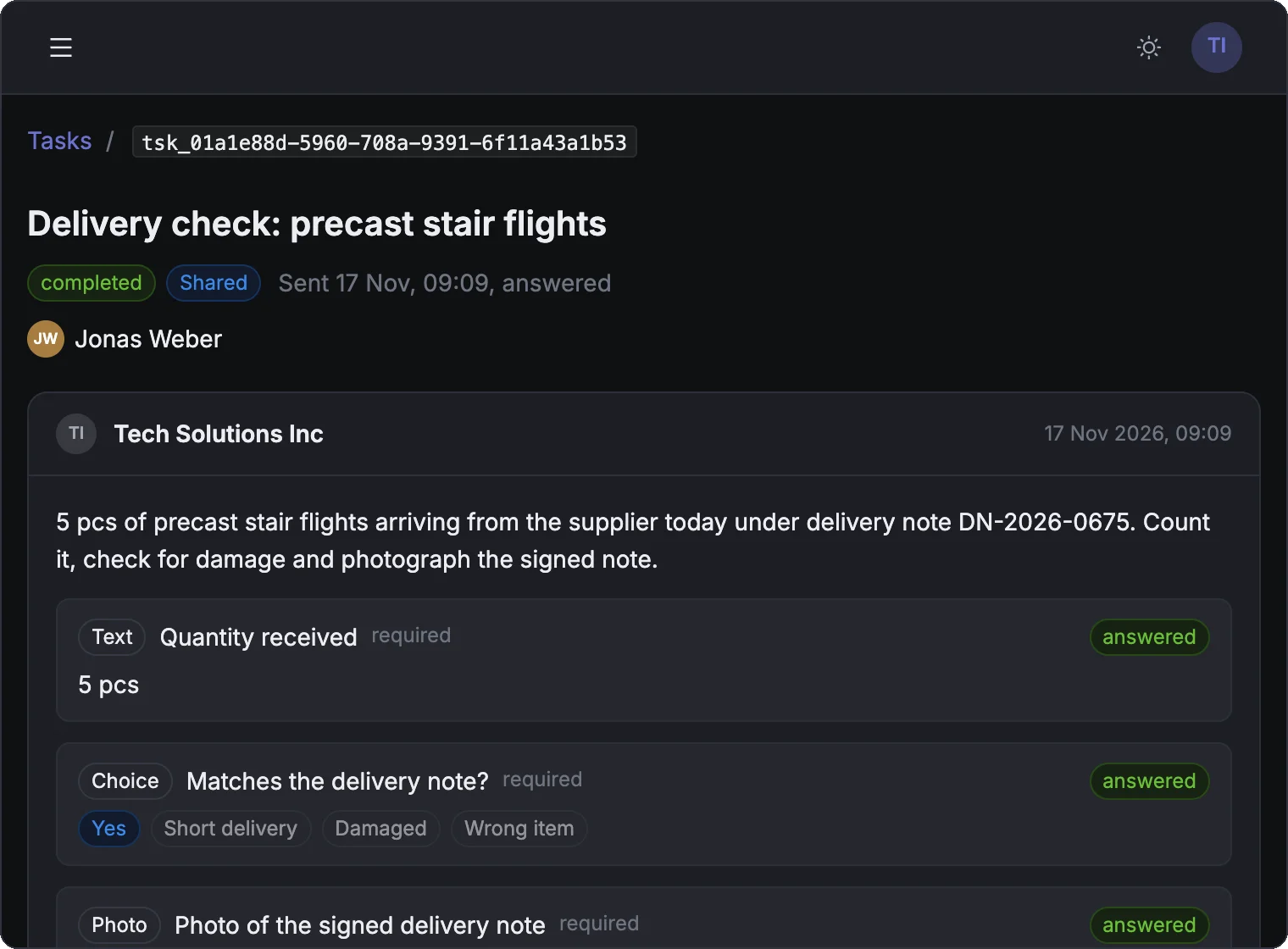
Create tasks right in the dashboard
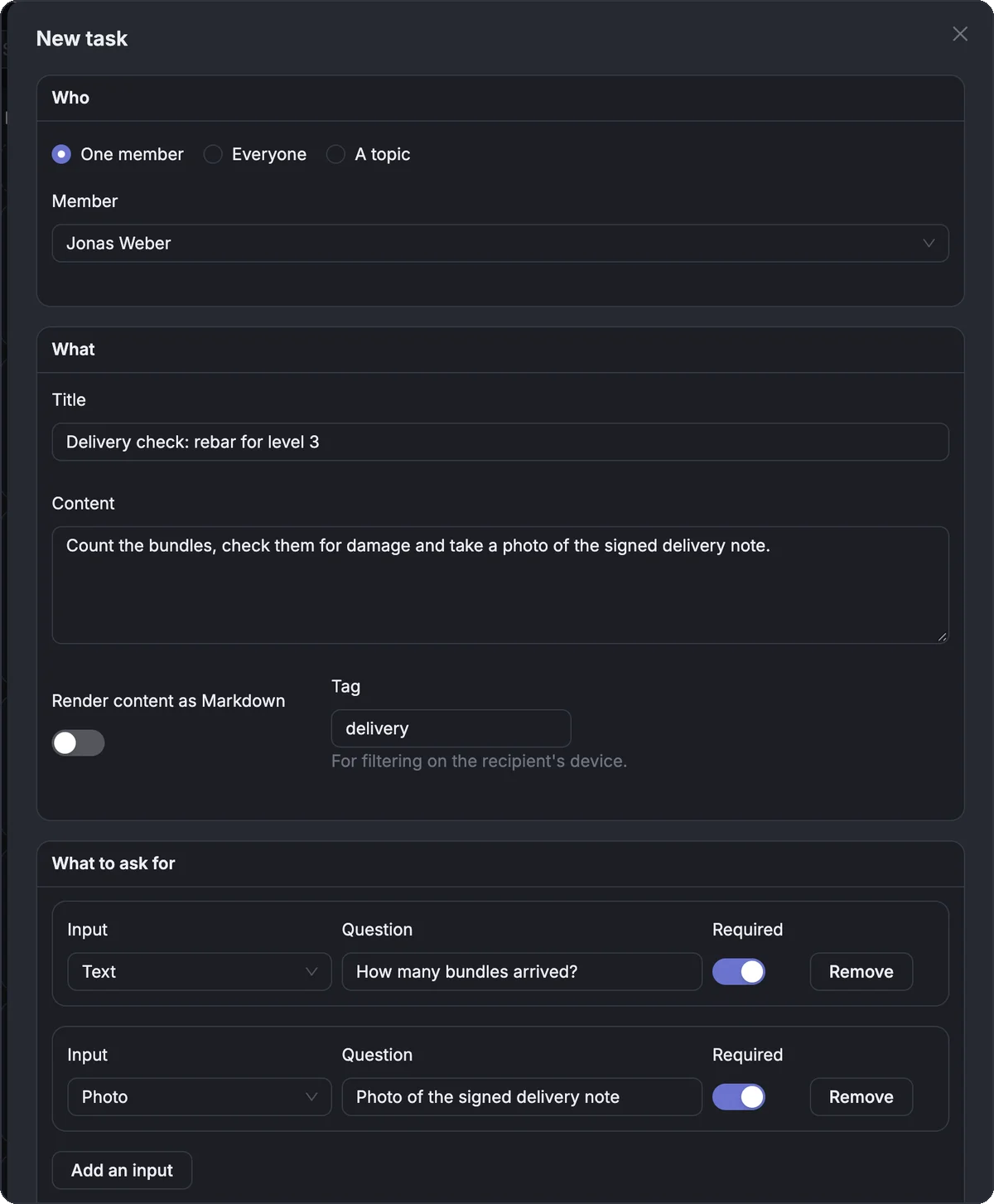
Send a task without leaving your browser. Pick one person, everyone or a whole crew, write what needs to be done and choose what they should send back: a text, a photo, a choice, a voice note, a file or their location.
Submissions: read every report as it comes in
Reports your crew sends on their own appear within seconds, with who sent them, when and where. Search by text, person, device or file name, or pick a date range.
About Submissions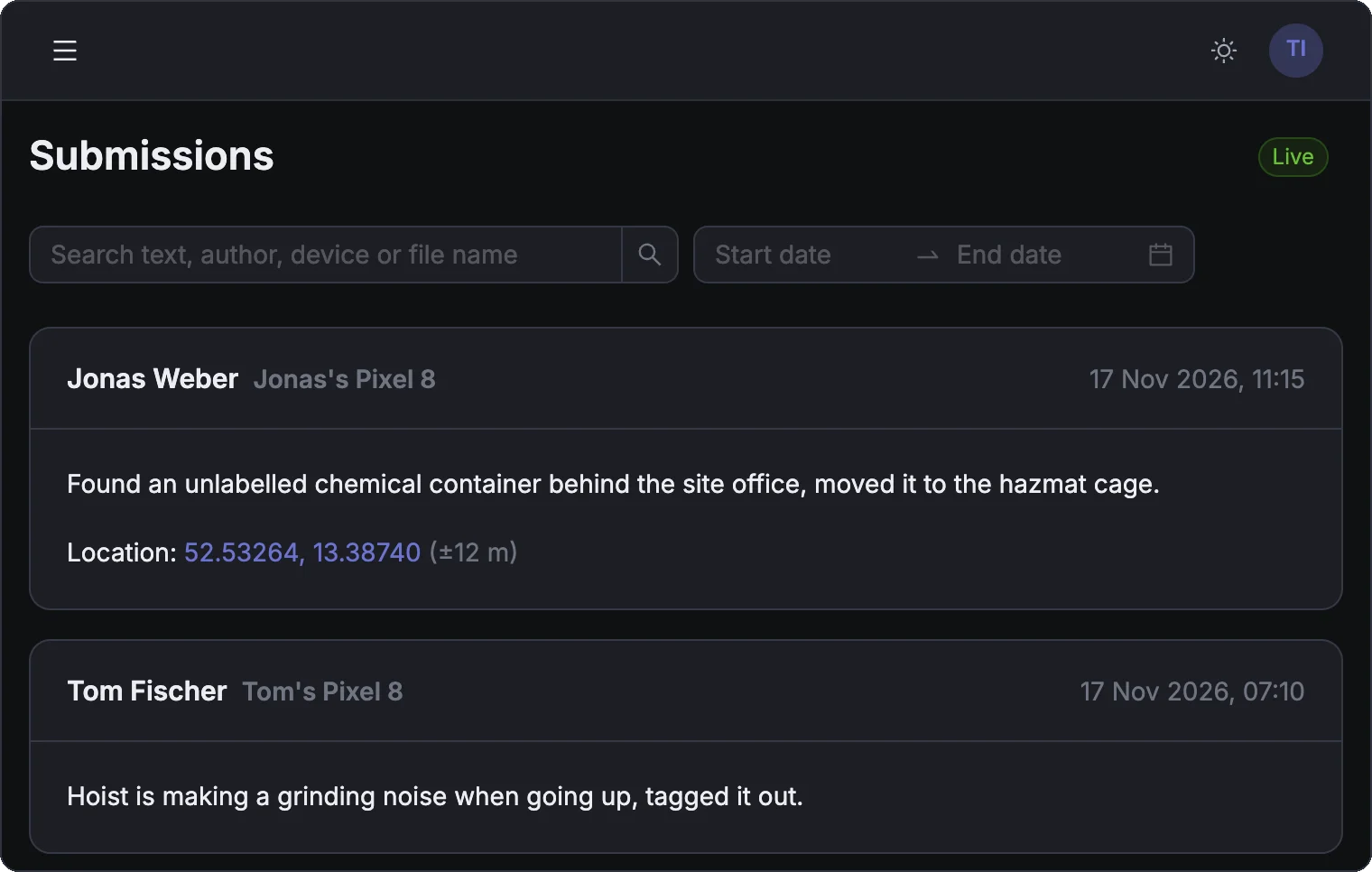
Photos: every picture from the field
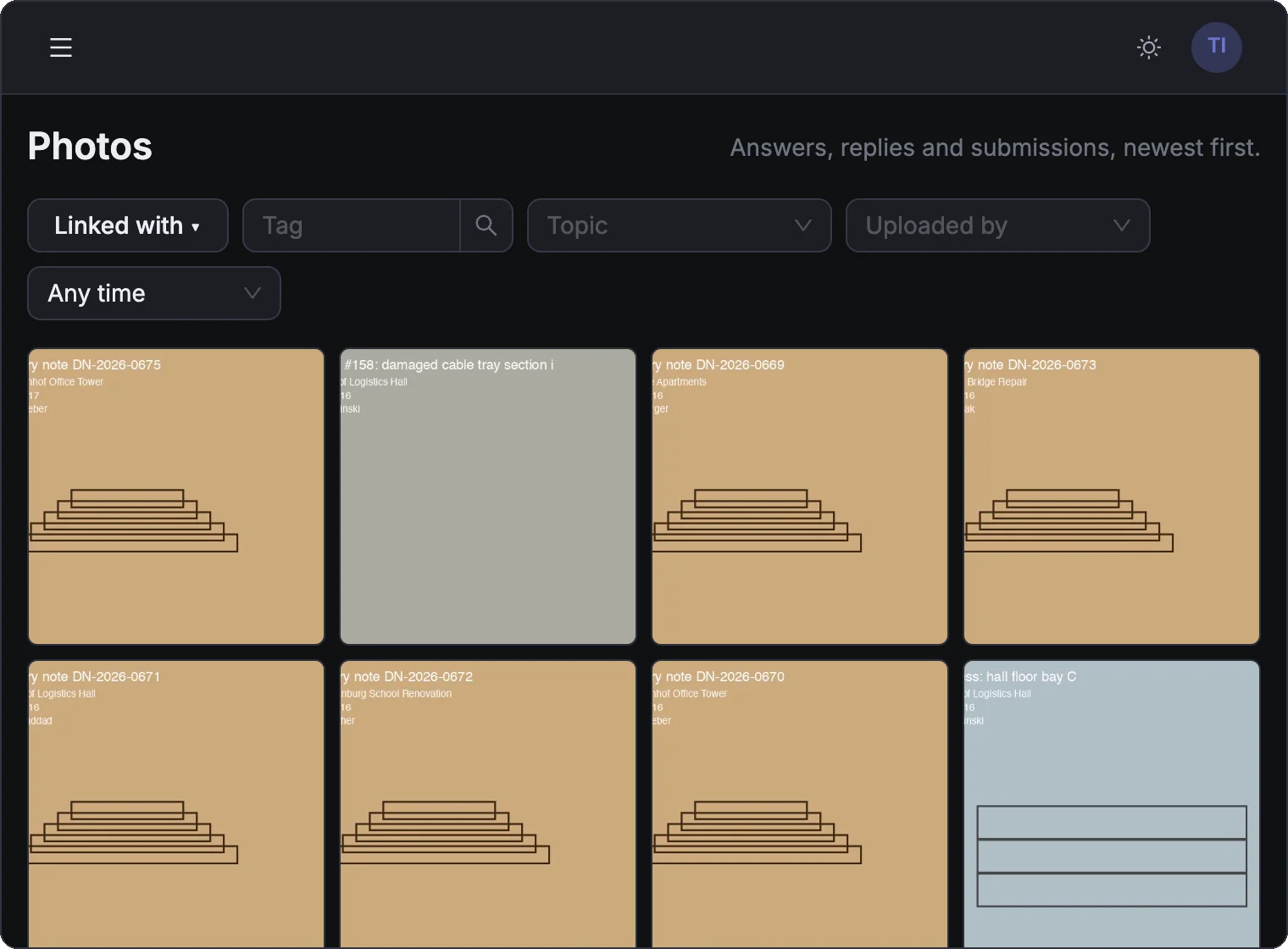
All photos your crew sent, from task answers, replies and reports, in one gallery with the newest first. Filter by tag, site, person or date to find the one you need.
Files: every document in one list
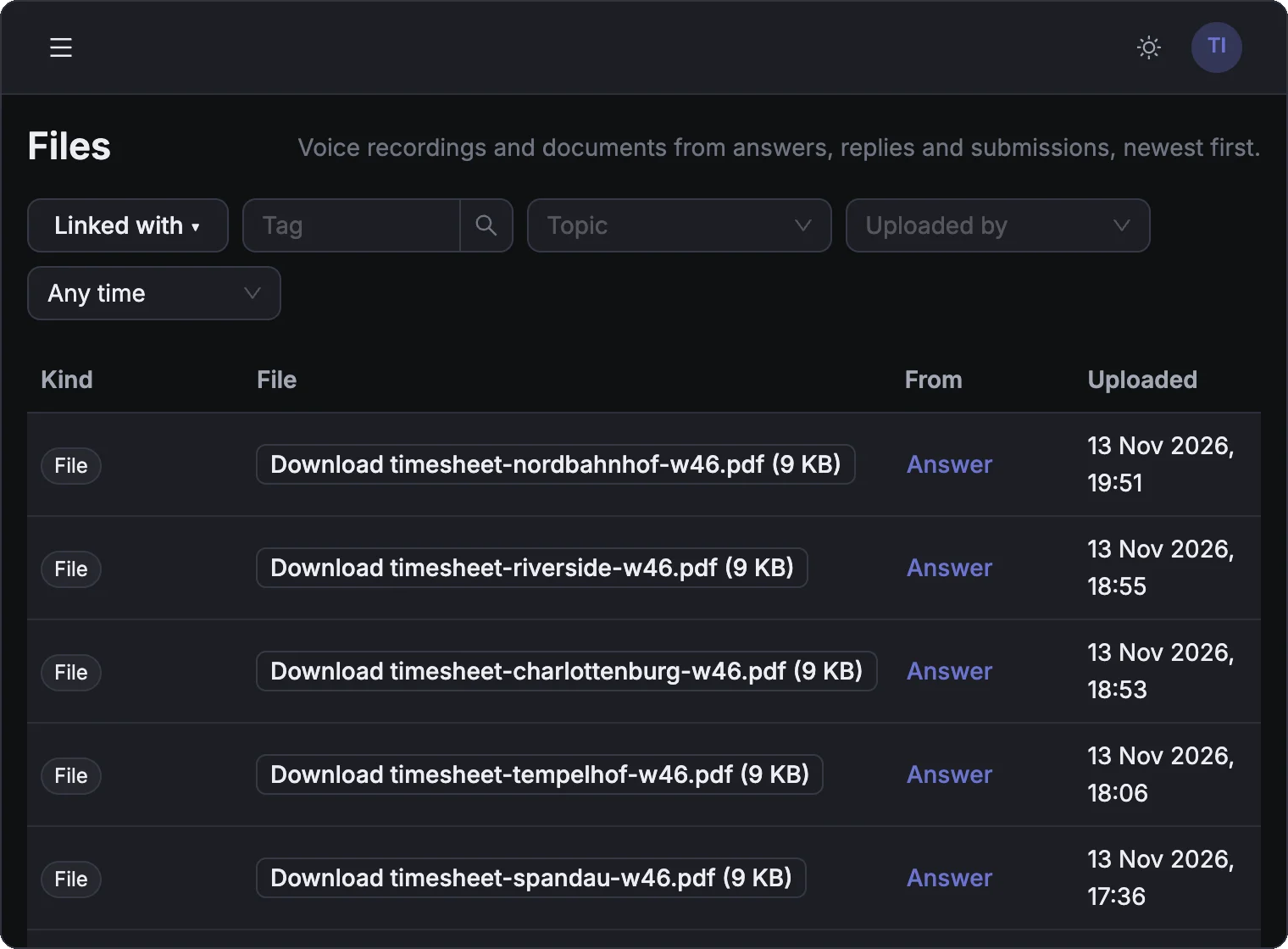
Signed timesheets, PDFs, voice notes and other files from the field, each with where it came from and when. Use the same filters as for photos, and download any file with one click.
Members: add and remove your team
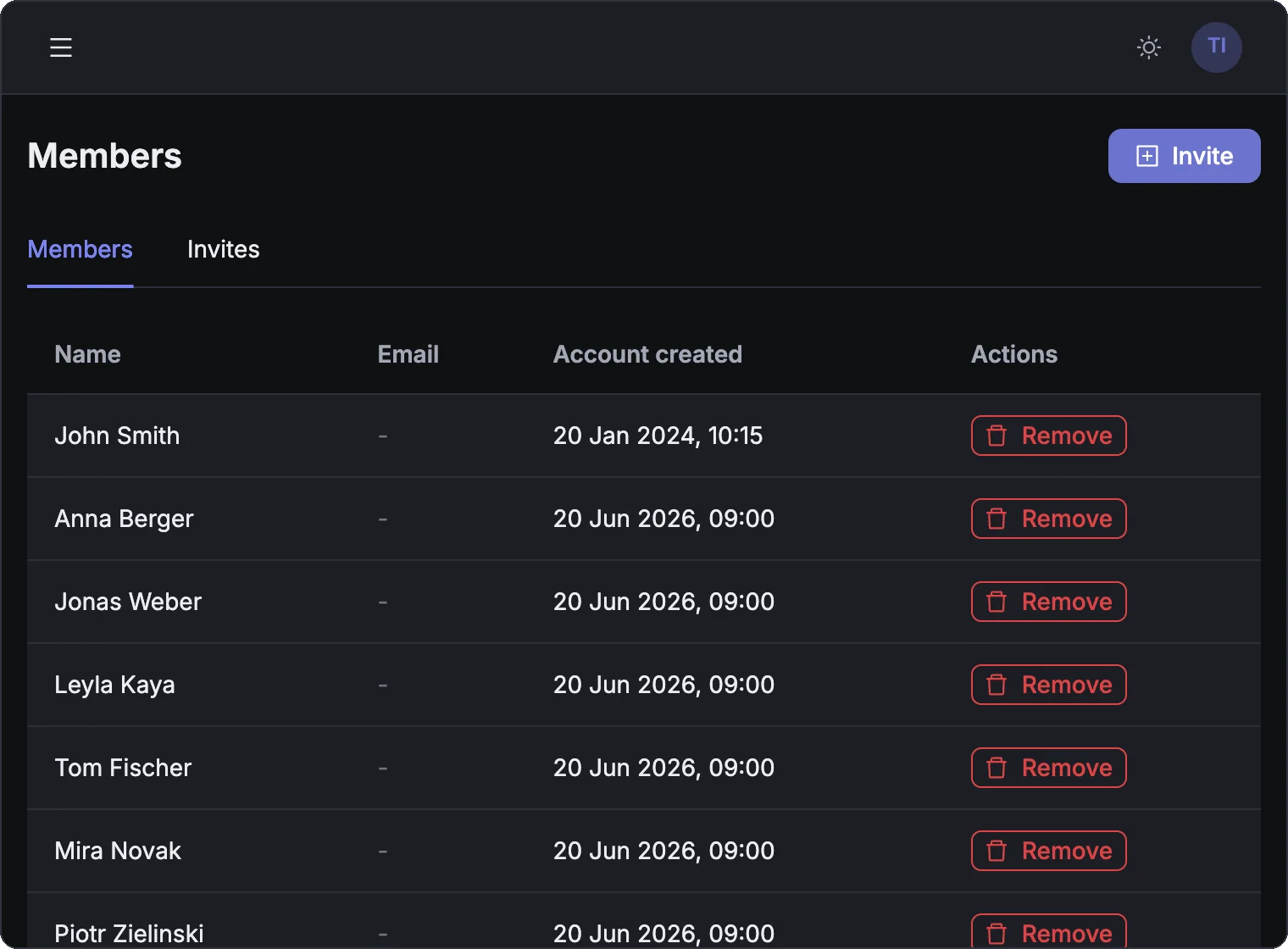
Invite a new crew member with a code they enter in the app. When someone leaves, remove them with one click. Everything they sent stays in your records.
How it works
Create your organization
Sign up in the browser and invite your crew. Each person gets a code to join.
Your crew joins in the app
They install Simplepush on their phone and enter the code. That is all.
Everything shows up here
Tasks, reports, photos and files from the field appear in the dashboard as they come in.
See it with your own crew
Book a 30-minute demo and we walk you through Simplepush with your own sites in mind.