Task Management
Keep your field crew and the office on the same page
Turn your plans into tasks and send them to your crew, so everyone always knows what comes next. Do it yourself or let an AI agent do it for you.


Put an AI agent to work on your tasks
Connect your AI agent through the Simplepush MCP connector and it can send tasks, read every answer and act on it. Set up AI workflows that run on the data your crew sends in, on a schedule you choose. The AI agent checks the answers, flags what is missing and sends the follow-up before anyone in the office has to.
How to connect your AI agentOne board for the office
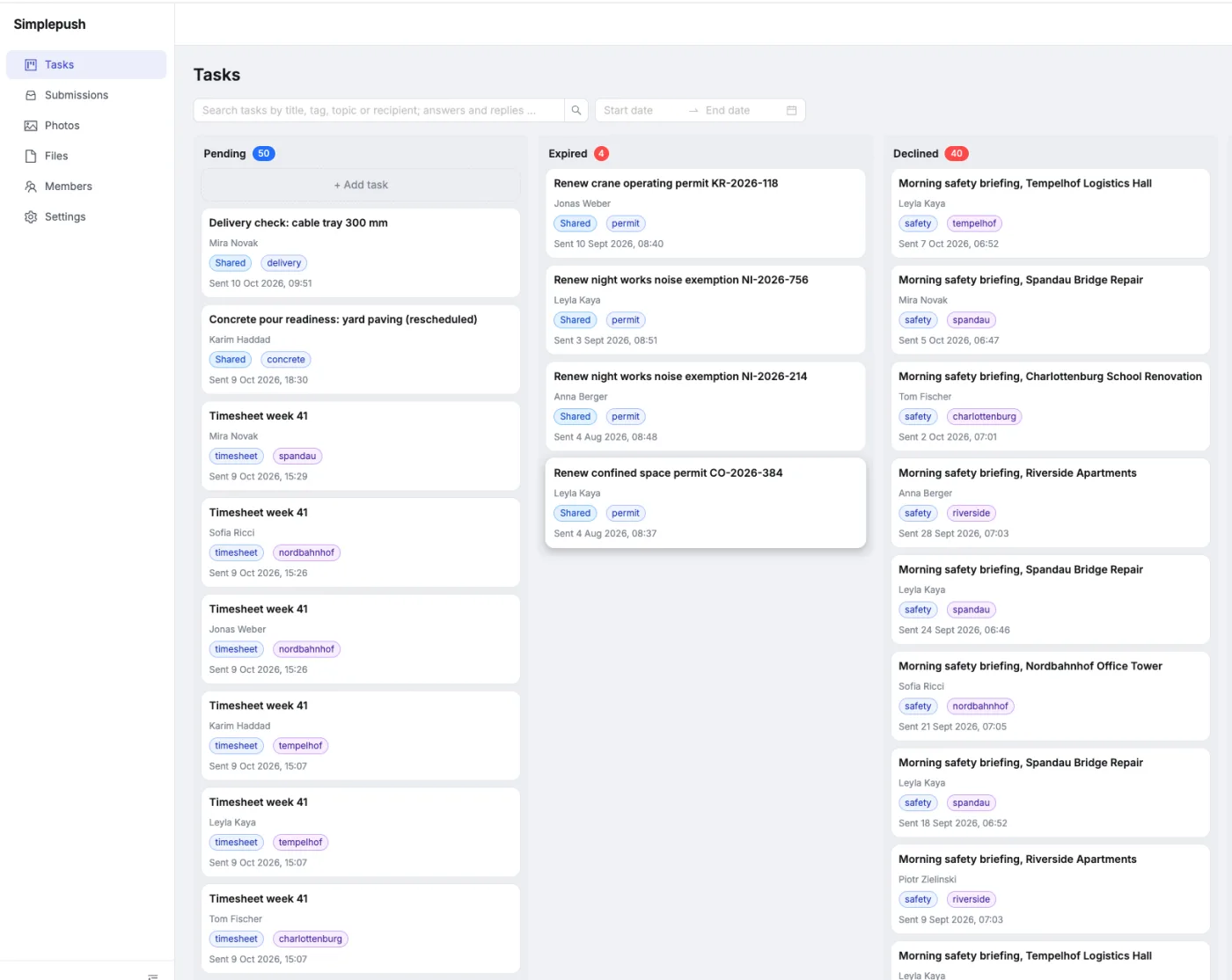
Every task in the dashboard, sorted by pending, expired, declined, canceled and completed. The board updates the moment someone answers, so the office always knows where things stand.
Everything the job needs, right in the task
Attach an instruction video, the manufacturer's manual, a site plan or a photo of the part. Your crew opens it on their phone, right where the work happens, instead of searching through emails and group chats.

Send to one person or the whole crew
Pick a person, several people or everyone. Each of them gets their own copy of the task, and you see at a glance who has answered and who has not. Or share one task that multiple people can collaborate on.
Ask for exactly what you need
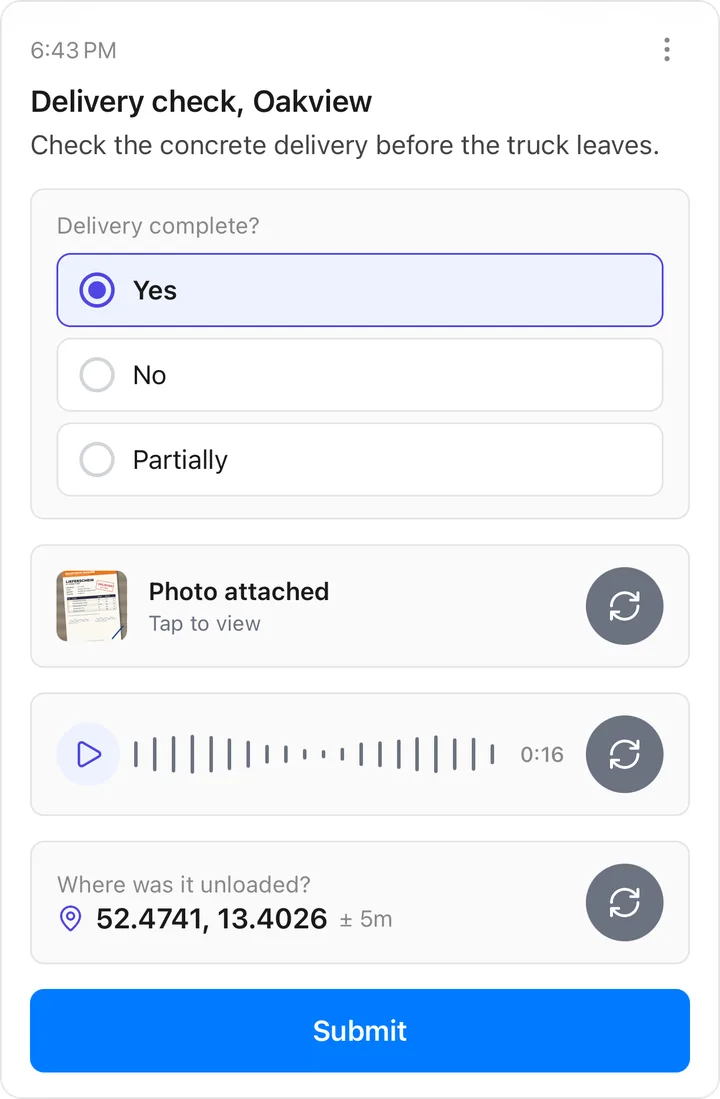
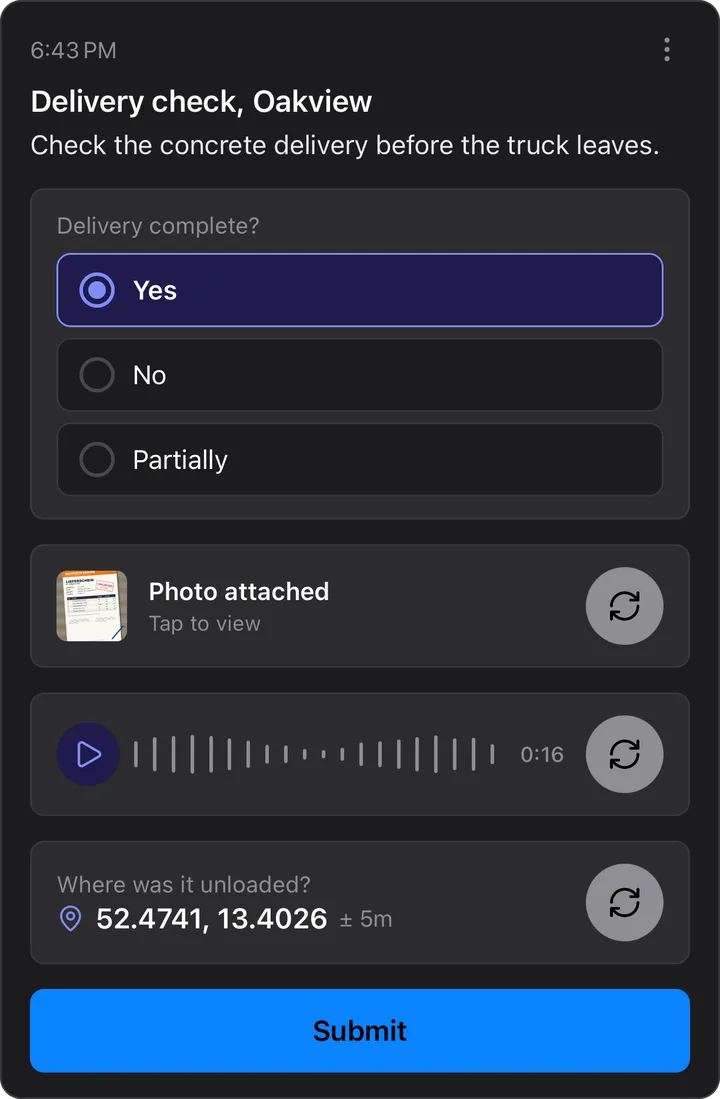
A task can ask for photos, voice notes, files, a location, a single or multiple choice, a checklist or a slider. Your crew answers right on the screen, even without signal, and it sends once they are back online.
Deadlines, and a clear no instead of silence
Give a task a deadline and it expires if nobody answers in time, so you know to step in. If a worker cannot do the job, they decline it with a reason instead of just not answering.
How it works
Create the task
In the dashboard, in a few clicks. Or ask an AI agent to send it for you.
Your crew gets a notification
The task appears on their phone with exactly the questions you asked. They answer in under a minute.
The answers land in one place
Every photo, voice note and answer is saved with who, when and where, and stays searchable.
What construction firms send
Morning safety check
Every crew confirms PPE, scaffolding and site fencing before work starts, with a photo.
Daily progress photo
One photo per site at the end of the day, so the office sees how far each job got.
Handover inspection
A checklist for the handover, answered item by item with photos of every room.
What is blocking the job?
Ask the site foreman why a job has not moved and get a voice note back.
Install by the manual
Send the installation video and the manufacturer manual with the task, and ask for a photo of the finished work.
Plan for tomorrow
The site plan and delivery schedule attached to one task, so every crew starts the day knowing where to go.
See it with your own crew
Book a 30-minute demo and we walk you through Simplepush with your own sites in mind.