Notifications
Get reminders and updates to the field in seconds
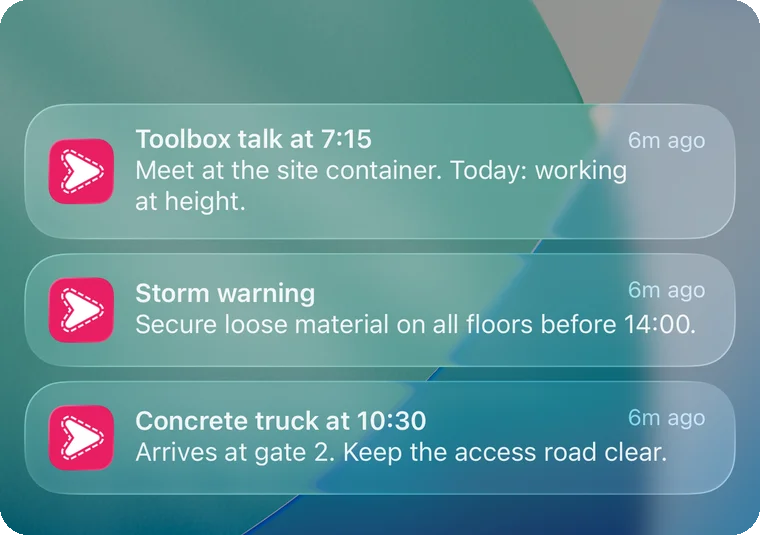
Send a short message straight to your crew's lock screen. A reminder, a warning, a change of plan. Sent by you, by an AI agent or by the tools you already use.

Let an AI agent send the reminders
Connect your AI agent through the Simplepush MCP connector and it sends notifications for you. Set up reminders that run on a schedule you choose, or let an AI agent warn the crew when something changes.
How to connect your AI agentQuiet for updates, loud when it matters
Choose how much a message interrupts. A delivery update lands quietly. A safety warning gets through Focus and Do Not Disturb, and the most urgent alerts sound even on a muted phone.
A quick answer, right from the lock screen or a smart watch
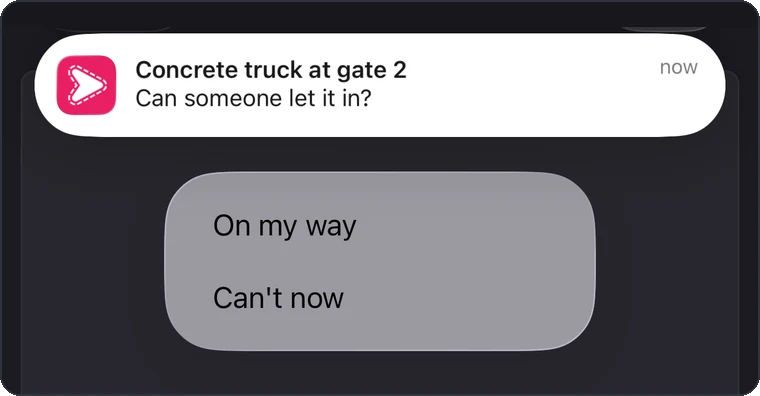
Add buttons or a short text reply when you need a yes or no. The crew answers with one tap, without opening the app, and the answer goes back to you or to the AI agent.
Read it, then it's gone
Notifications are not saved. There is no inbox to clear and no history on the phone: once the crew dismisses a notification, it is gone. For anything they need to find again, or must not miss, send a task instead.
About Task Management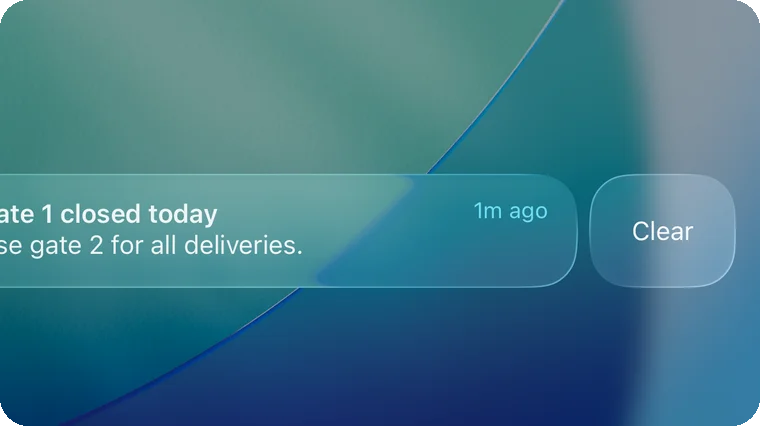
How it works
Something needs to reach the field
An AI agent, your own script or a tool you already use sends a short message to a person or a whole crew.
It pops up on the phone
On the lock screen within seconds, as quiet or as loud as the message needs.
One tap to answer
If the message asks something, the answer goes straight back to whoever sent it.
What teams send
Start-time reminders
Where to be and when, sent to each crew before the day starts.
Weather warnings
Storm or frost on the way, so the crew secures the site in time.
Deliveries
The truck is ten minutes out, so someone is at the gate when it arrives.
Hours reminder
A nudge on Friday afternoon to send in this week's hours.
Site changes
Gate 1 is closed today, use gate 2. Everyone knows before they drive in.
Machine and sensor alerts
A pump stopped or a door opened at night, straight from your monitoring system.
See it with your own crew
Book a 30-minute demo and we walk you through Simplepush with your own sites in mind.